
文章阅读目录大纲
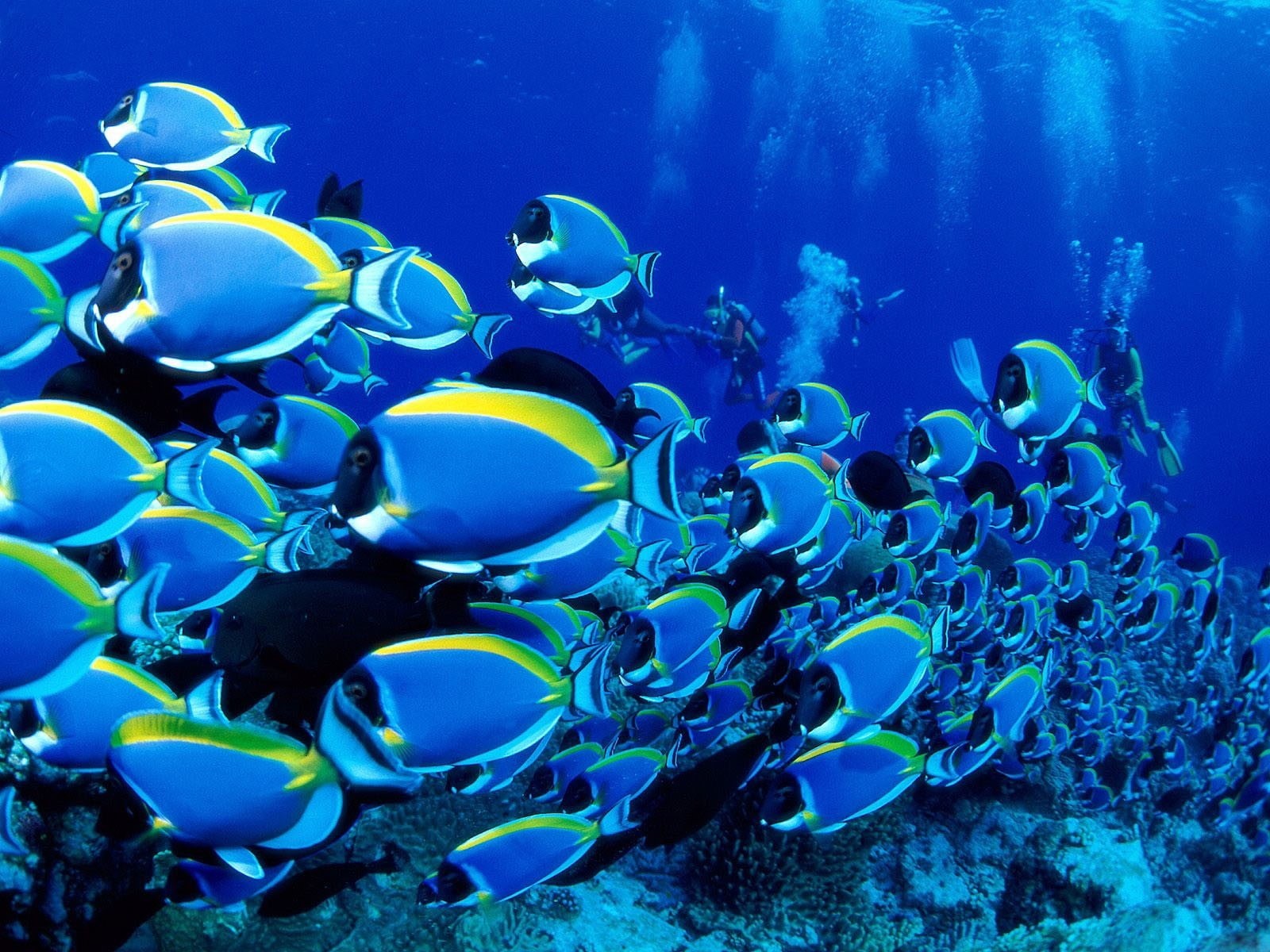
Boids算法(也称鸟群/鱼群算法)是Craig Reynolds于1986年提出的群体行为模拟模型,通过三条局部规则模拟鸟类、鱼群等生物群体的自组织运动。在Boids算法中,整个过程通过个体(称为“boid”)的局部交互实现全局有序行为,无需中央控制。每条规则计算个体与邻居的相互作用力,最终合力决定运动方向。Boids算法的精髓在于用局部规则涌现全局智能,其简洁性、可扩展性使其成为连接生物行为与工程控制的桥梁。从《蝙蝠侠》的蝙蝠群到无人机编队表演,从游戏生态到交通优化,Boids持续证明:自然界的简单规则,足以驱动复杂系统的有序演化。
算法原理讲解
Boids算法中,其精髓在于无中央控制,而是依靠个体仅感知局部邻居(如半径内的其他boid),全局行为通过简单规则叠加自然涌现,无需全局路径规划。整个算法可以使用三部分来描述:
1.分离(Separation)
这部分的代码主要是为了避免碰撞,维持个体间距。算法代码主要是按照排斥力原则来进行计算,例如个体排斥过近的邻居,排斥力与距离成反比(距离越小,排斥越强)。
Private Function Avoid(boid As Boid, distance As Double, power As Double) As (Double, Double)
    ' point away as boids get close
    Dim neighbors = grid.SpatialLookup(boid, radius).Where(Function(x) x.GetDistance(boid) < distance)
    Dim sumClosenessX As Double = Nothing, sumClosenessY As Double = Nothing

    For Each neighbor As Boid In neighbors
        Dim closeness = distance - boid.GetDistance(neighbor)
        sumClosenessX += (boid.x - neighbor.x) * closeness
        sumClosenessY += (boid.y - neighbor.y) * closeness
    Next
    Return (sumClosenessX * power, sumClosenessY * power)
End Function
2.对齐(Alignment)
这部分的代码是为了实现群体运动方向同步。代码中主要是通过匹配调整个体调整速度方向,匹配邻居的平均运动方向。
Private Function Align(boid As Boid, neighbors As Boid(), power As Double) As (Double, Double)
    ' point toward the center of the flock (mean flock boid position)
    ' Dim neighbors = grid.SpatialLookup(boid, radius).Where(Function(x) x.GetDistance(boid) < distance).ToArray
    Dim meanXvel As Double = neighbors.Sum(Function(x) x.Xvel) / neighbors.Count()
    Dim meanYvel As Double = neighbors.Sum(Function(x) x.Yvel) / neighbors.Count()
    Dim dXvel = meanXvel - boid.Xvel
    Dim dYvel = meanYvel - boid.Yvel
    Return (dXvel * power, dYvel * power)
End Function
3.聚合(Cohesion)
最后我们需要通过代码来维持群体聚集,防止分散。主要是通过吸引力算法来实现个体向邻居的中心位置(质心)靠拢。
Private Function Flock(boid As Boid, neighbors As Boid(), power As Double) As (Double, Double)
    ' point toward the center of the flock (mean flock boid position)
    Dim meanX As Double = neighbors.Sum(Function(x) x.x) / neighbors.Count()
    Dim meanY As Double = neighbors.Sum(Function(x) x.y) / neighbors.Count()
    Dim deltaCenterX = meanX - boid.x
    Dim deltaCenterY = meanY - boid.y
    Return (deltaCenterX * power, deltaCenterY * power)
End Function
GDI+渲染
在拥有了上面的模拟算法代码之后,我们就可以计算出每一个Boid的速度方向,通过循环进行迭代计算更新位置,即可实现整个模拟计算的逻辑了。在每一次完成了位置的更新后,我们可以通过对应的绘图代码来进行图像的渲染更新。在这里,我们将每一个Boid的速度向量提取出来,按照热图的渲染规则进行颜色索引的计算,通过特定的颜色版对计算出来的每一个颜色索引都赋予对应的热图颜色,就可以得到最终的粒子模拟计算渲染结果了。
Public Module SDRender

    Dim colors As Color()
    Dim n As Integer = 30

    Sub New()
        colors = Designer.GetColors(ScalerPalette.viridis.Description, n)
    End Sub

    Public Function RenderField(field As Field) As Bitmap
        Dim bmp As Bitmap = New Bitmap(CInt(field.Width), CInt(field.Height))
        Dim max As Double = field.MaxSpeed

        Using gfx = Graphics.FromImage(bmp)
            gfx.SmoothingMode = Drawing2D.SmoothingMode.AntiAlias
            gfx.Clear(Color.Black)

            Dim len As Integer = field.Entity.Count

            For i = 0 To len - 1
                Dim boid As Boid = field(i)

                If i < field.PredatorCount Then
                    RenderShape.RenderBoid(gfx, boid.x, boid.y, boid.GetAngle, Color.White)
                Else
                    Dim lv As Integer = ((boid.GetSpeed / max) * n) - 1

                    If lv < 0 Then
                        lv = 0
                    ElseIf lv >= colors.Length Then
                        lv = colors.Length - 1
                    End If

                    RenderShape.RenderBoid(gfx, boid.x, boid.y, boid.GetAngle, colors(lv))
                End If
            Next
        End Using

        Return bmp
    End Function
End Module
- 最低共同祖先(Lowest Common Ancestor, LCA)算法讲解 - 2025年12月2日
- 宏基因组去除宿主序列的主流算法原理与基于kmer的方法详解 - 2025年11月29日
- 微生物全基因组代谢网络(GEM)模型发展历史与原理综述 - 2025年11月25日


2 Responses
Wow! This simulation animation demo is absolutely amazing! How did you manage to render so many particle animation effects at such a high frame rate on WinForm?
Winform DoubleBuffered and better spatial grid finding algorithm, and more importance is buy expensive CPU🤣